

MDPGP allows MDaemon to perform basic OpenPGP encryption, decryption, and key management tasks.
The steps below will detail how to enable MDPGP, configure who can use MDPGP, and create public/private keys for a specific user.
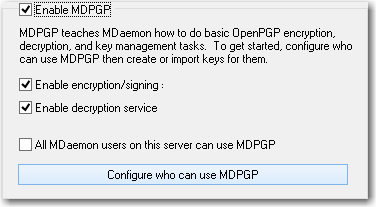
- Select Security
- Select MDPGP
- Check the Enable MDPGP check box
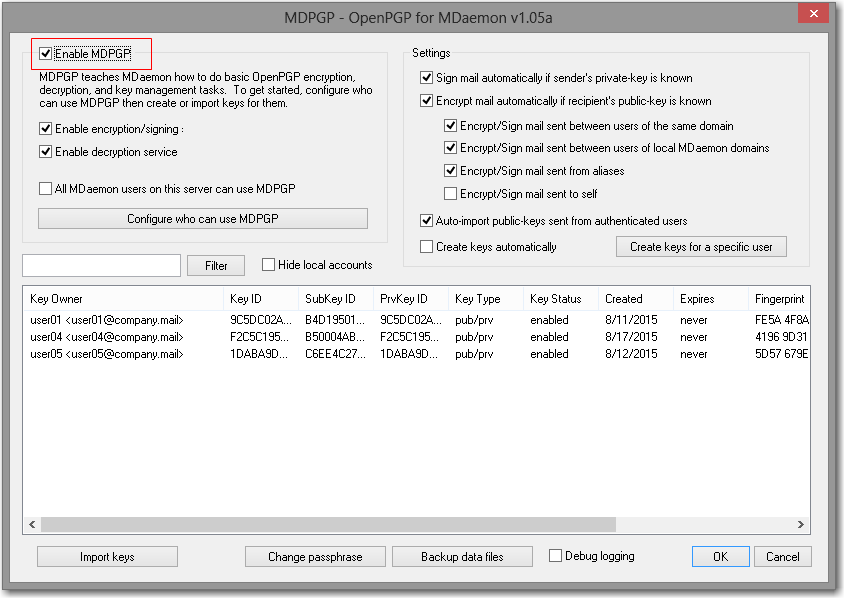
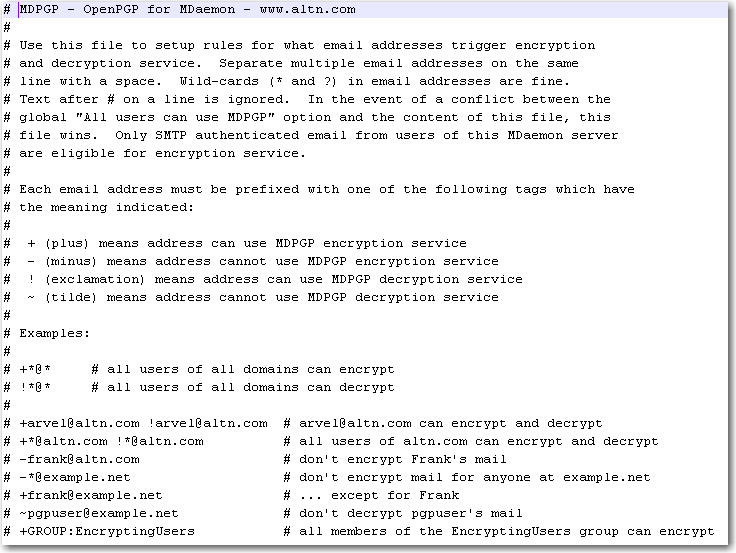
- Select Configure who can use MDPG button to open the \MDaemon\Pem\_mdpgp\rules.txt file
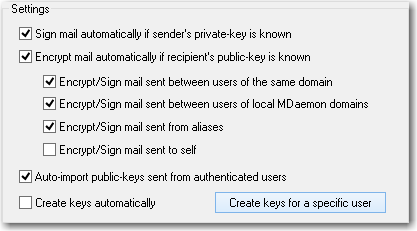
- Select Create key for a specific user
- Choose the local user from the drop down list
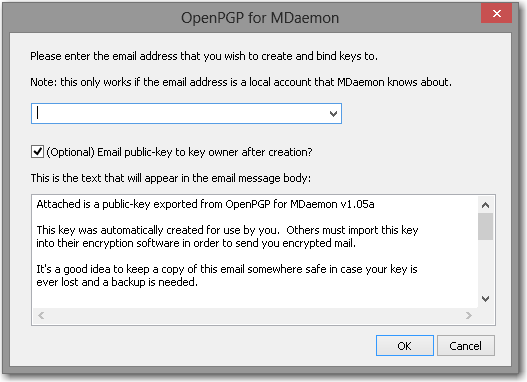
- If you would like the public key emailed to the user, leave the (Optional) Email public-key to key owner after creation checked.
- Select OK


